Google Ads MCP
Give your AI agent full read+write access to Google Ads — read the numbers, then act on them. Every change audited.
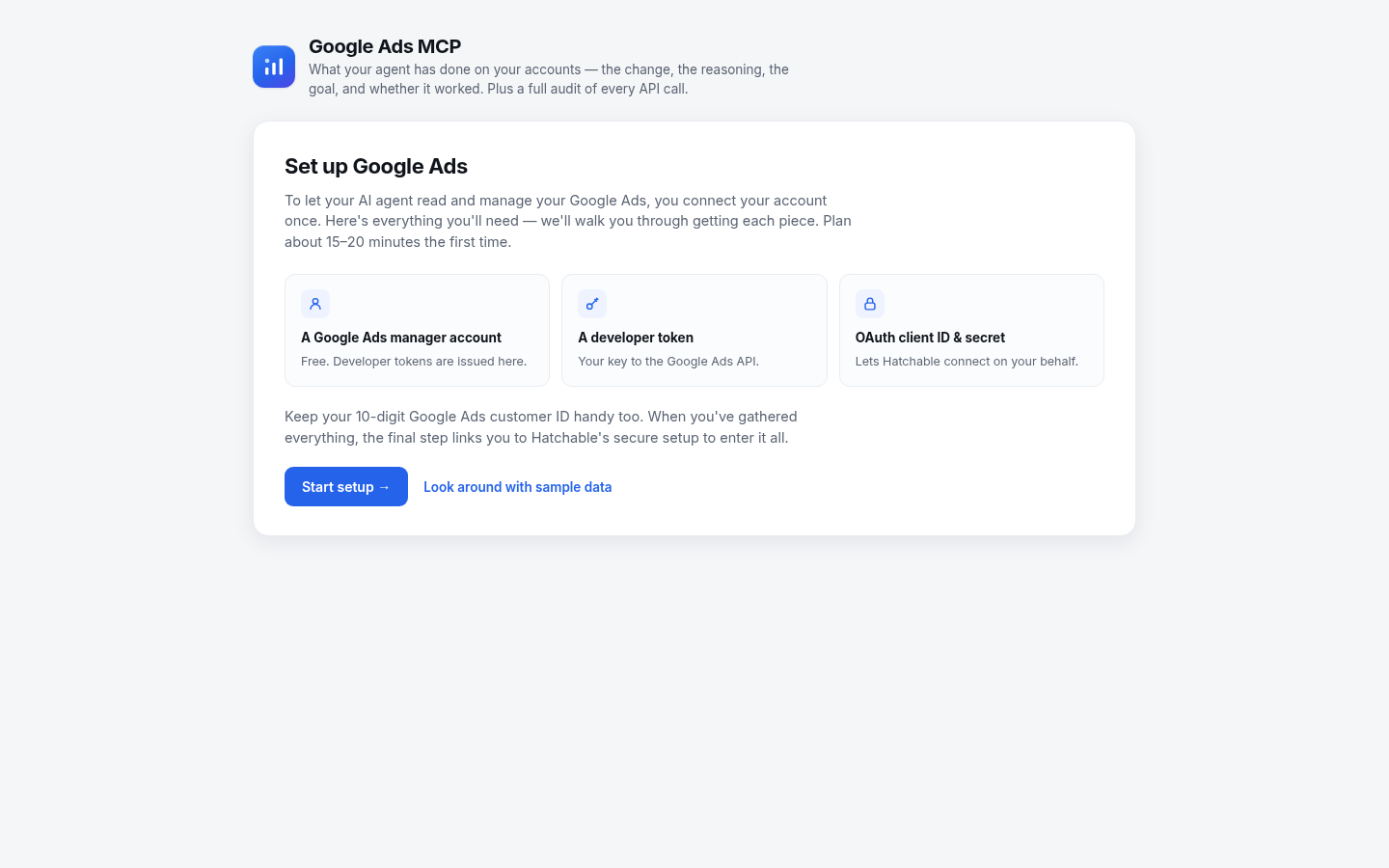
Your AI agent can both read your Google Ads and act on it. Ask how a campaign is doing and it pulls the numbers; tell it to trim wasted spend and it makes the change — budgets, pauses, negative keywords — without you alt-tabbing into the Google Ads UI. The thinking and the doing happen in one place.
Under the hood it's a single full read+write passthrough to the Google Ads API, so your agent is never limited to a fixed menu of actions — it can run any GAQL report and make any change the API allows. Most Google Ads MCP servers are read-only; this one isn't.
Because raw access deserves accountability, every call — read or write — is recorded to an audit trail you can filter to writes, with budget changes highlighted. And the agent keeps a shared journal: each change logged with its goal and reasoning, follow-ups scheduled, and outcomes recorded so you can see whether it worked. Owner-only, with your own OAuth + developer token.
First run is guided. Before any keys are entered, the app lays out exactly what you'll need — a Google Ads manager account, a developer token, and an OAuth client ID & secret — walks you through getting each, then hands off to Hatchable's secure setup to wire it all up. Not ready to connect? Look around with sample data first.
Talk to it from your AI
Once Google Ads MCP is on your account, the same AI you used to install it can read its data, send its emails, and change its code — for the life of the project. Try things like:
Every Hatchable project ships with an MCP server scoped to it — how it works.
MCP tools
Full read+write passthrough to the Google Ads API — GAQL reads via searchStream, writes via :mutate. Your agent’s one tool for everything it does in the account.
Start here. Returns the operating playbook plus the changes that are due for follow-up and recent activity — the full context before acting.
Record a change you made (budget, pause, negative) or an observation in the account journal, with its goal and reasoning, and schedule a follow-up.
Close the loop on a follow-up: did the change work? Marks it worked, failed, or partial with what was observed.
Read the account journal — what changed, why, and how it turned out.
Name an account so activity and the audit log group cleanly for multi-account users.
Features
Full read+write, not read-only
Your agent both analyzes and acts — pull any report, then change budgets, pause campaigns, or add negatives. Most Google Ads MCP servers can only read.
One tool, the whole API
A single passthrough reaches every Google Ads endpoint — GAQL reads and :mutate writes — so your agent is never boxed in by a fixed catalog of actions.
Every call audited
Reads and writes are logged to an audit trail you can filter to writes, with budget changes highlighted, so you always see exactly what your agent did.
A shared activity journal
The agent records each change with its goal and reasoning, schedules follow-ups, and comes back to mark whether it actually worked — one log you both read.
Safety by convention + review
Budget-safety conventions (no oversized jumps, no shared-budget surprises) are built into the agent’s guidance; the audit log and your review are the backstop.
Your account, your credentials
Owner-only. Connect once with your own OAuth + Google Ads developer token — nothing is shared, and you can disconnect anytime.
What you get
- Source code, deployed to your account on Hatchable
- Your own subdomain (or BYO custom domain on the Builder plan)
- A real Postgres database, scoped to this app
- The ability to make a copy, edit it, and redeploy via your AI tool
- CSV export of your data, any time